Pivit vs PowerToys Run
PowerToys Run is the launcher most Windows users meet first, because it arrives inside a Microsoft utility suite they already trust. Microsoft has since reworked it into Command Palette, with a new design and an in-app extension gallery.
It is free, open source, and good at what it does. The question is not whether it is worth using — it is whether your launcher should also understand what is on your screen, and whether you want the launcher, the window manager and everything else to be separate utilities you assemble.
At a glance
| Feature | Pivit | PowerToys Run |
|---|---|---|
| Platforms | Built for Windows 10 and 11 | Windows only |
| Pricing | Free forever, Pro £8/month with AI included | Free and open source |
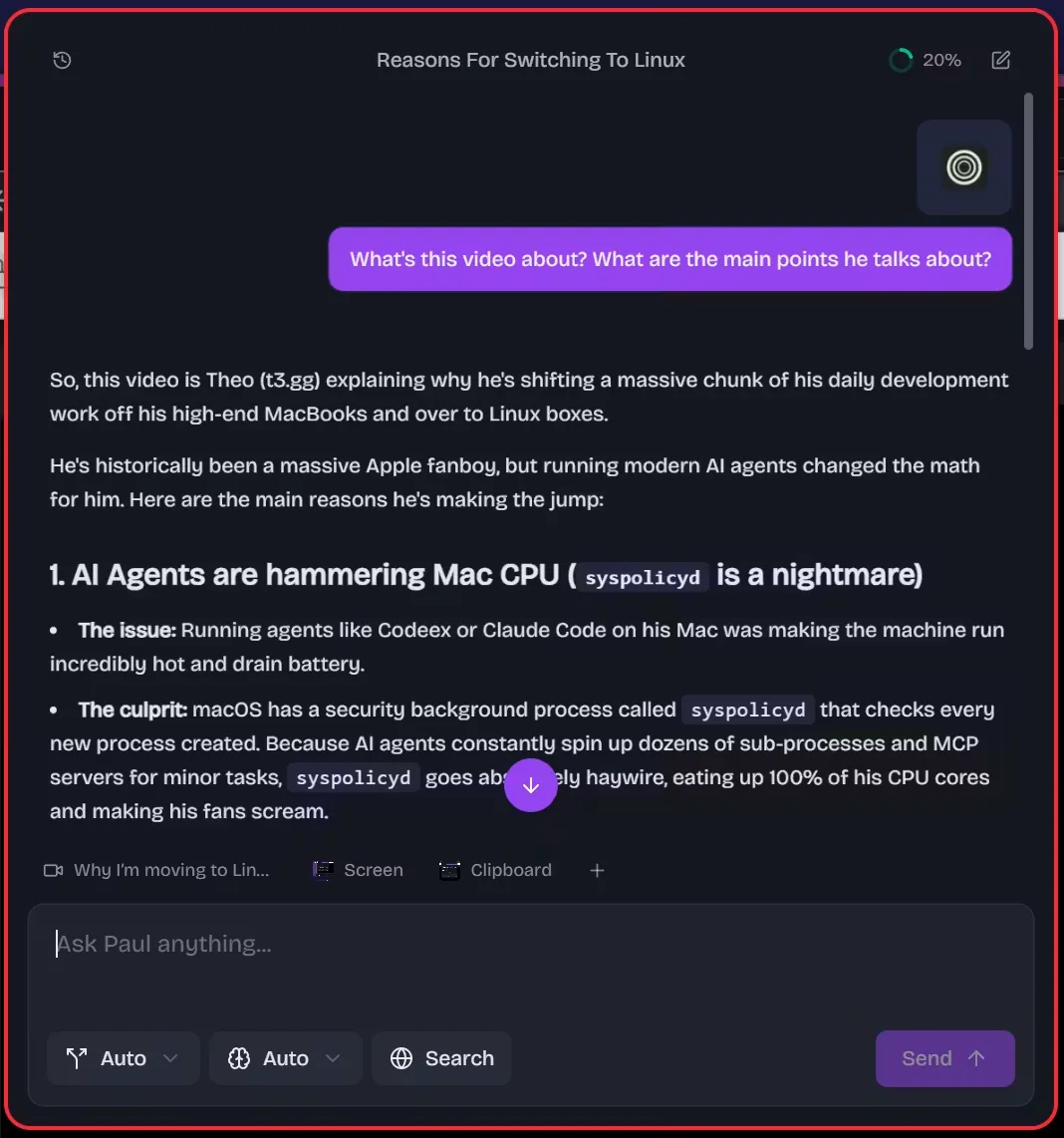
| AI | Included on Pro — 90+ models, no API key, no add-on | No built-in chat; separate PowerToys tools can use your own key |
| App and screen context | Reads your current app, screen, clipboard and media | Not offered |
| Extensions | Plugin SDK with typed commands and settings | Extension gallery, added in 2026 |
| Gesture launcher | Pivit Wheel — hold, flick, release | Not offered |
| Window management | Free, in the same app | FancyZones, a separate utility the palette can trigger |
| Cloud sync | On Pro | Not offered |
| Source | Closed source | Open source, MIT licensed |
Comparison last checked 21 July 2026. PowerToys Run is a product of its respective owner and its features change often — check their site for the current state.
Where Pivit is stronger
- AI chat that reads your current app, screen, clipboard and media, then acts on it — PowerToys has no equivalent
- One app instead of several: launcher, window management, calculator, search and system controls in the same place
- The Pivit Wheel, a gesture launcher for the commands you run dozens of times a day
- Cloud sync, so a second machine matches the first without exporting config files
- Settings and themes designed as one product rather than per-utility
Where PowerToys Run is stronger
- Free, open source and maintained by Microsoft
- No account and no subscription, which matters on locked-down work machines
- Arrives alongside a suite of other genuinely useful Windows utilities
Which should you pick?
Choose Pivit if: You want the launcher to be one finished product — and the place you ask questions about what you are working on, not just a faster way to open Notepad.
Choose PowerToys Run if: You want something free, open source and Microsoft-maintained, you are happy running several utilities side by side, and you have no interest in AI inside your launcher.
Common questions
Try Pivit on Windows
Free on Windows 10 and 11. The launcher, calculator, window management and themes cost nothing.